Reference
Keyboard shortcuts, supported file types, import methods, and common terms all in one place.
Keyboard Shortcuts
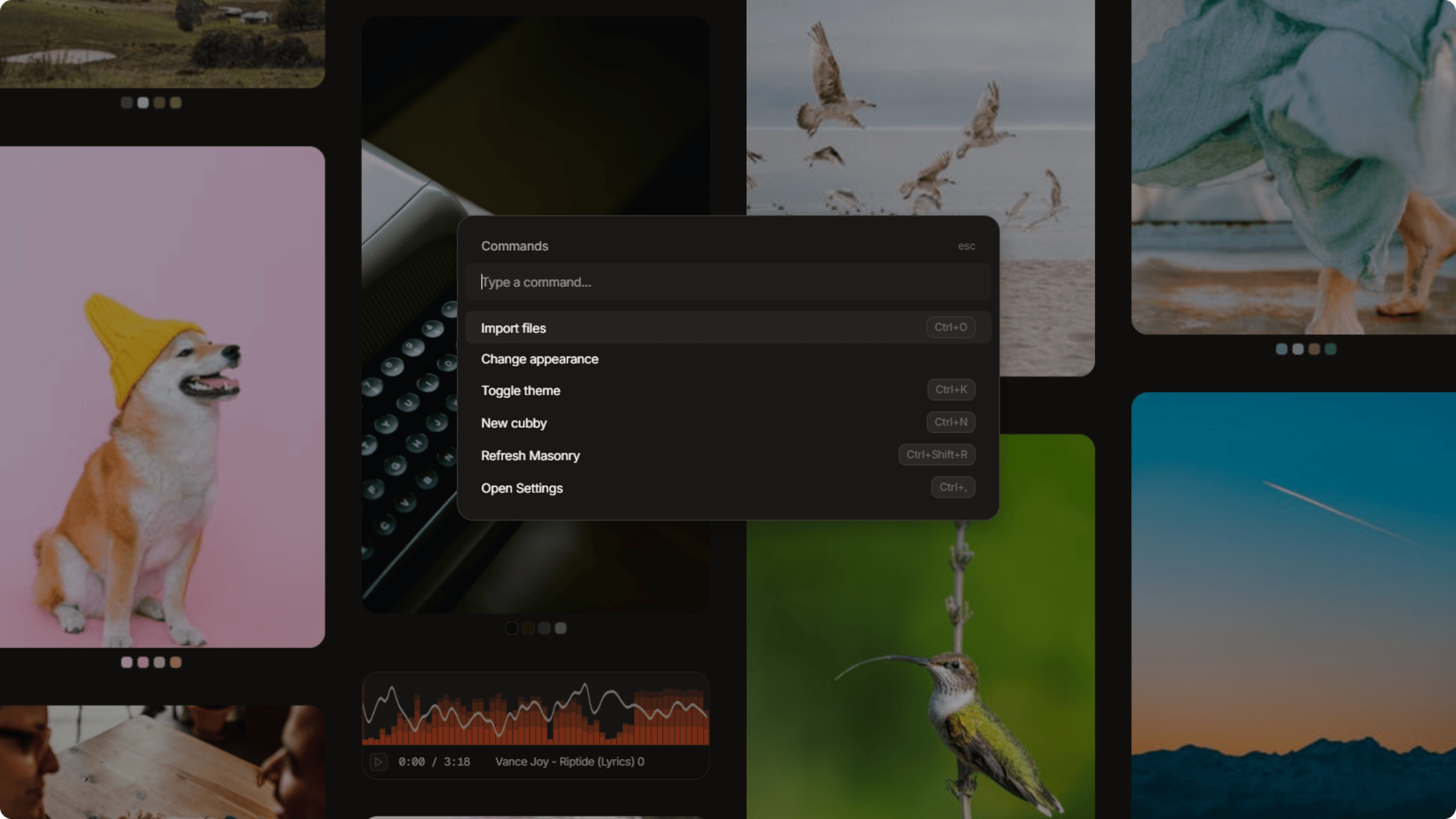
Dotient has a handful of global shortcuts that work from anywhere in the app. The command menu (Ctrl+P) is your main power tool, and many settings changes can be made through it without opening the settings panel.
Import Methods
There are three ways to bring files into Dotient:
Drag and Drop
Drag files or folders from your file manager directly onto the Dotient window. This is the most natural way to import. You will see the processing modal appear showing progress for each file.
File Picker (Ctrl+O)
Opens your system file picker. You can select multiple files at once. The dialog defaults to showing common media files but you can switch to show all files.
Clipboard Paste
Copy a file from your file manager and paste it into Dotient with Ctrl+V. This also works for pasting files from within the app between different areas.
Supported File Types
Dotient supports a wide range of file types across several categories. The exact list of detected extensions is long, but here is a summary of what works:
ImagesSemantically Supported
Common formats like PNG, JPG, GIF, WebP, plus many others. Over 90 image extensions are recognized. Images get thumbnails, color extraction, and embeddings for similarity search.
Audio
MP3, WAV, OGG, and other common audio formats. Audio files get waveform visualization (generated on the fly using the Web Audio API), playback controls, and embeddings.
VideoSemantic Support Coming Soon
MP4, WebM, MOV, and similar formats. Videos show a thumbnail in the gallery and can be played in the detail view.
Text Files
Over 100 text-based extensions are detected. This includes source code files, markdown, plain text, configuration files, and more. Text files can be viewed in plain or code mode with syntax highlighting.
Bookmarks
URL based bookmarks that you can save and organize.
PDFSemantically Supported
PDF documents are fully supported. Dotient extracts images from PDF pages at import time, so you can search by visual content. Text content inside PDFs is also searchable.
Processing Pipeline
When you import a file, it goes through three stages. Each stage shows its timing in the processing modal so you can see where time is spent:
Decode reads the file and generates a thumbnail (500px WebP for images). This stage varies the most depending on file size and resolution.
Color Analysis extracts the dominant colors from the image. These are the colors you see as chips on gallery items and can filter by.
Embedding runs the file through a quantized CLIP ONNX model to generate a semantic vector. This is the most consistent stage across different file types.
Performance Notes
Dotient is designed to be lightweight. The webview process idles at around 150MB of RAM. The backend Rust process sits at about 30MB when idle and jumps to around 270MB during embedding. Processing 100 images typically takes between 80 seconds (for small, low resolution files) and 400 seconds (for large, high resolution files).
The gallery is virtualized with a hard cap of 60 rendered DOM items, so scrolling through thousands of files stays smooth. Audio waveform data is cached with an LRU cache of 15 entries to avoid regenerating waveforms for items that scroll back into view.
All ML models run locally using ONNX Runtime. No data ever leaves your computer. The models are quantized for performance and are downloaded once on first launch.
Glossary
A trainable classifier that you create by providing positive and negative examples. Signals let you search for concepts that are hard to describe in words.
A numerical vector representation of a file generated by a machine learning model. Files with similar embeddings are semantically similar.
A phenomenon where certain files appear as neighbors to many different queries. Dotient provides tools to detect and correct for hubness.
A moodboard collection where you can arrange files, sticky notes, and annotations on a freeform canvas.
The machine learning model used for generating image embeddings. It is a contrastive language-image pre-training model that understands both visual and text concepts.
A rendering technique where only the items visible in the viewport are actually in the DOM. This allows Dotient to handle thousands of files without performance issues.
An approximation algorithm used in the force-directed graph to speed up n-body simulations. It groups distant nodes for faster computation.