Documentation
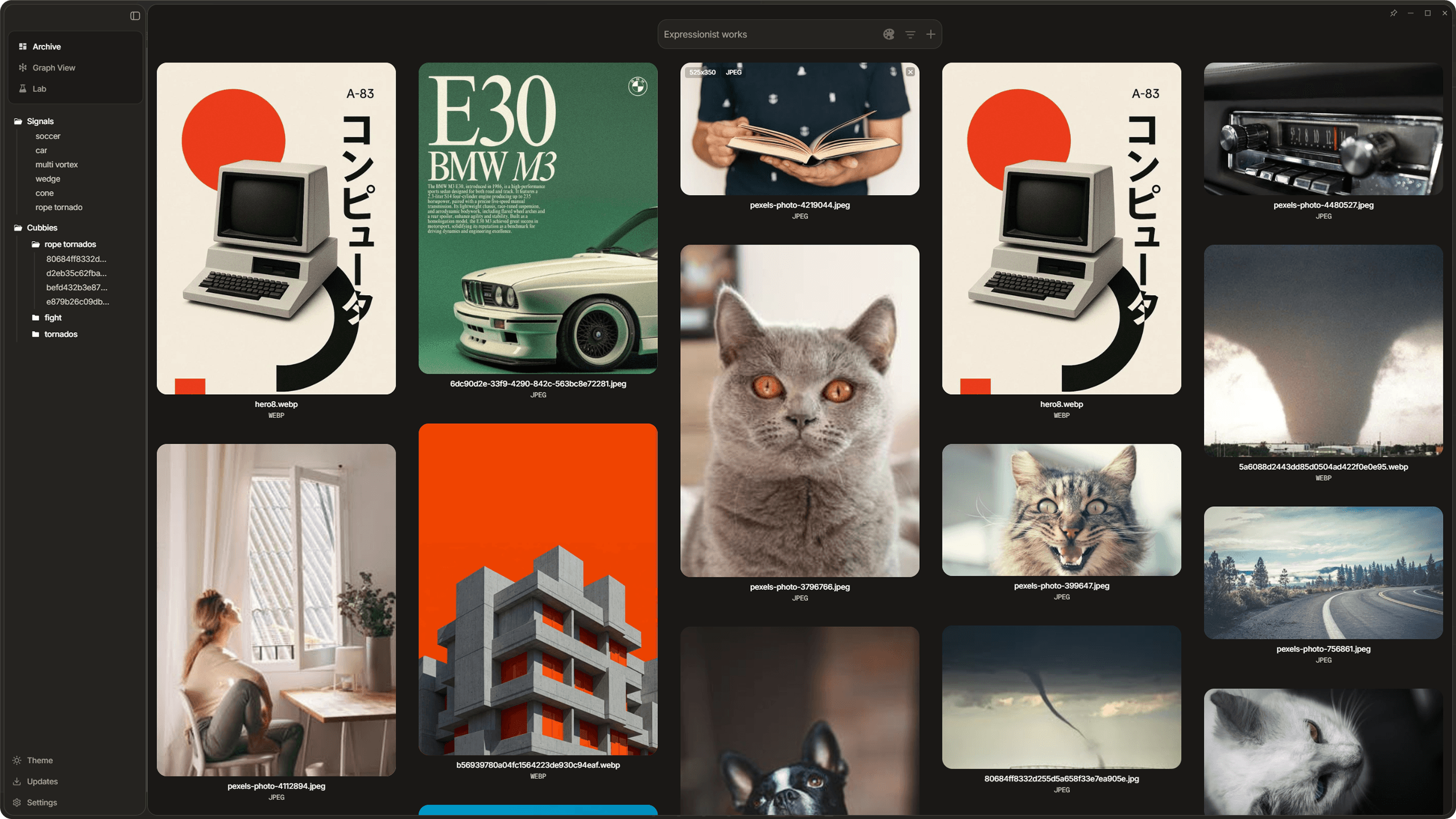
Dotient is a local-first desktop app that helps you organize, search, and explore your personal media archive using AI embeddings, all running on your own machine. This guide walks through every feature so you know exactly what this tool can do after seven months of building.
Getting Started
Download, install, activate your license, import your first files, and get oriented with the interface.
Read guideGallery
Browse your archive in the virtualized masonry grid, search by text or color, filter results, and view media details.
Read guideSignals
Train your own semantic classifiers, combine them to intersect concepts, and tune results with hubness analysis.
Read guideCubbies
Create moodboard collections with freeform canvas, sticky notes, annotations, and drag-and-drop arrangement.
Read guideGraph
Explore similarity relationships in a force-directed WebGL graph. Find clusters, inspect connections, and discover patterns.
Read guideSettings
Customize the appearance, tune algorithm parameters for hubness, and manage embedding settings.
Read guideReference
Complete keyboard shortcuts, supported file formats, import methods, and a glossary of terms used throughout the app.
Read guide